The latest AES amateur radio catalog recently made its way into the “library” where I spotted the new TH-D72A portable rig with APRS. I’ve had the aging Kenwood TH-D7AG with APRS for a number of years, but this newer rig also has GPS and *gasp* a USB port. I almost bought it.
The Davis Vantage Vue
I also happened across a compact weather station in the same catalog – the Davis Vantage Vue. I decided to buy it instead of the radio to replace my old Scientific Oregon WMR-968 station which was in a state of total disrepair.
Putting the new station together turned out to be easier than taking the old one apart. Besides being a huge spider convention, the bolts were so badly rusted onto the mast that I finally hammered all the old hardware off into pieces.
Despite the station’s low cost, connecting it to a USB port ends up adding an extra $150. That’s for the hardware adapter and a software package. A standalone Ethernet-connected version is also available for $250. The WeatherLink software appears to be straight out of the Windows 95/98 era – good enough to confirm that the station’s data transfer is working, but that’s about it.
Weewx
I had used wx200d on Linux with the old WMR-968 station. It provided a reliable daemon along with everything needed to graph data, report to Weather Underground and CWOP, and send packets out over the local APRS network via RF on 144.39 MHz. I had to do some extra perl scripting to glue it all together, but that was part of the fun.
So, what was the new Swiss Army Knife for the Davis Vantage View on Linux to be? wview was the early frontrunner, but while installing it, I could feel the time-vacuum of dependencies and troubleshooting that a lot of Unix based projects turn into. While checking alternatives, I found a modest sounding package called weewx that was almost easy to overlook. It’s a well thought out system written in Python by Tom Keffer. I put it in place, set a few variables, installed the init.d script, and went on my way. It provides a comprehensive page of data that can be used in place or automatically FTP’d to a remote server. It reports to Weather Underground, CWOP (APRS-IS), and PWS Weather. It’s also well templated and object oriented – all very extensible in general.
APRS – Back to Radio
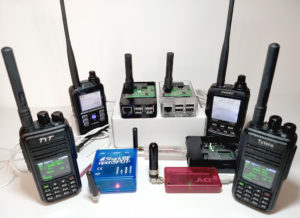
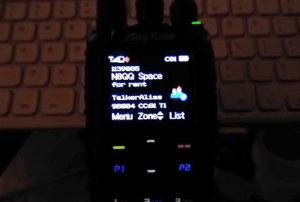
The only thing left to figure out was how to get it onto the local APRS ham radio network. I got my old Kenwood TH-D7AG working again, hooked it up to the server using a serial-to-USB adapter, and put it in standard TNC mode where it’s bypassing the built in APRS and simply receives regular TNC commands.
Since the CWOP routine in weewx already creates the same packet needed for APRS, it seemed a shame to rewrite anything. But having never worked in Python, my first instinct was to use my original perl script written for wx200d, and have it read directly from weewx’s SQLite database. Knowing this wasn’t the best way to do it, and having a recent interest in learning Python, I put a message on the weewx Google Groups forum and immediately received some great direction from Tom on how it might be best integrated into weewx. It only took a few hours after that to get it working. Although it will probably be obsolete by the next version of weewx, I made it available on github in case anybody else needs it.
Skycam
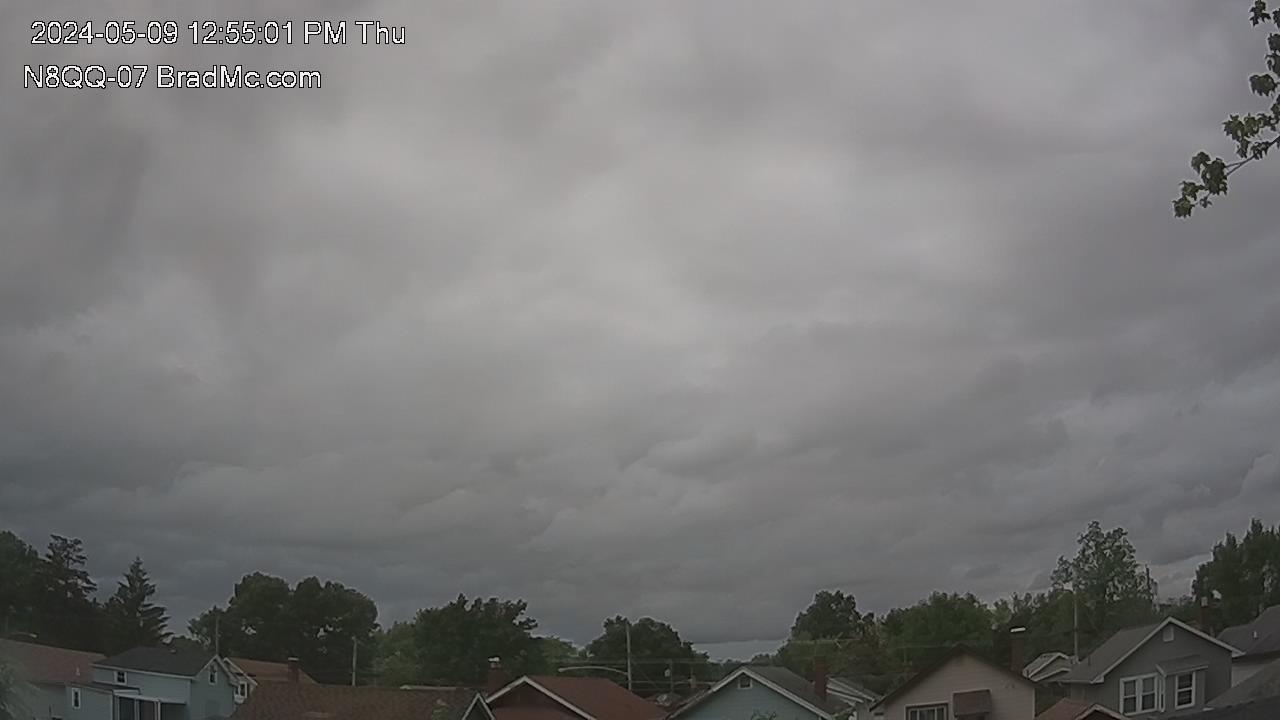
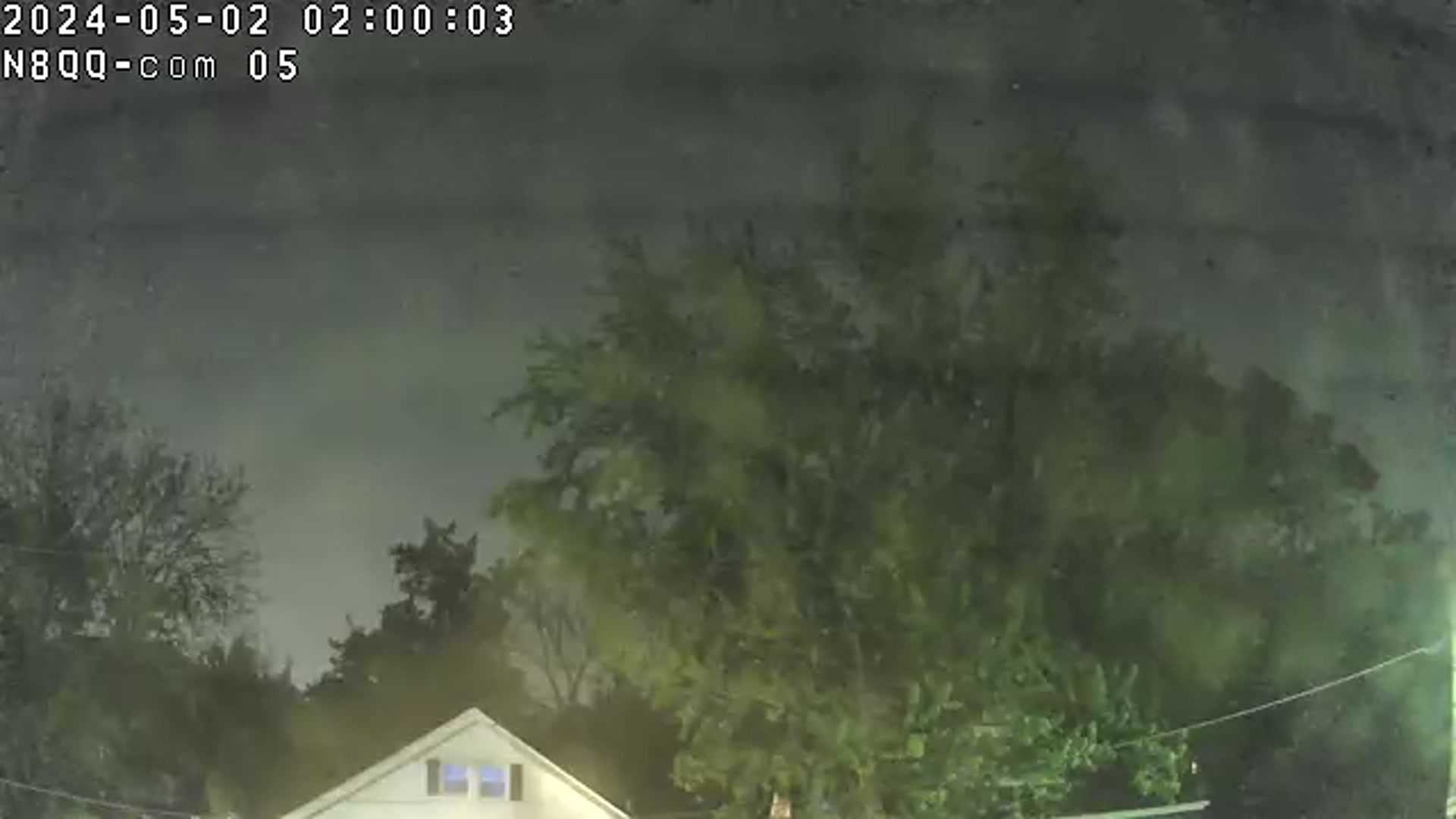
Okay, it’s actually more of a view-of-sky-somewhat-obstructed-by-trees-cam, but I really wanted to do a real time view of the sky this time. It’s the Foscam FI8918W wifi camera in an upstairs window. It has a built in web server that provides live images and video, and the ability to remotely pan and tilt from any Internet connected device. It also makes a nice way to continue watching a storm long after nearby lightning chases everybody inside.
The old weather station lasted three or four years – I hope this one will last as long or longer. It will definitely be easier to replace when the time comes.
- Brad N8QQ